Interesting, but it's rather unclear (at least to me) what exactly you want to do.
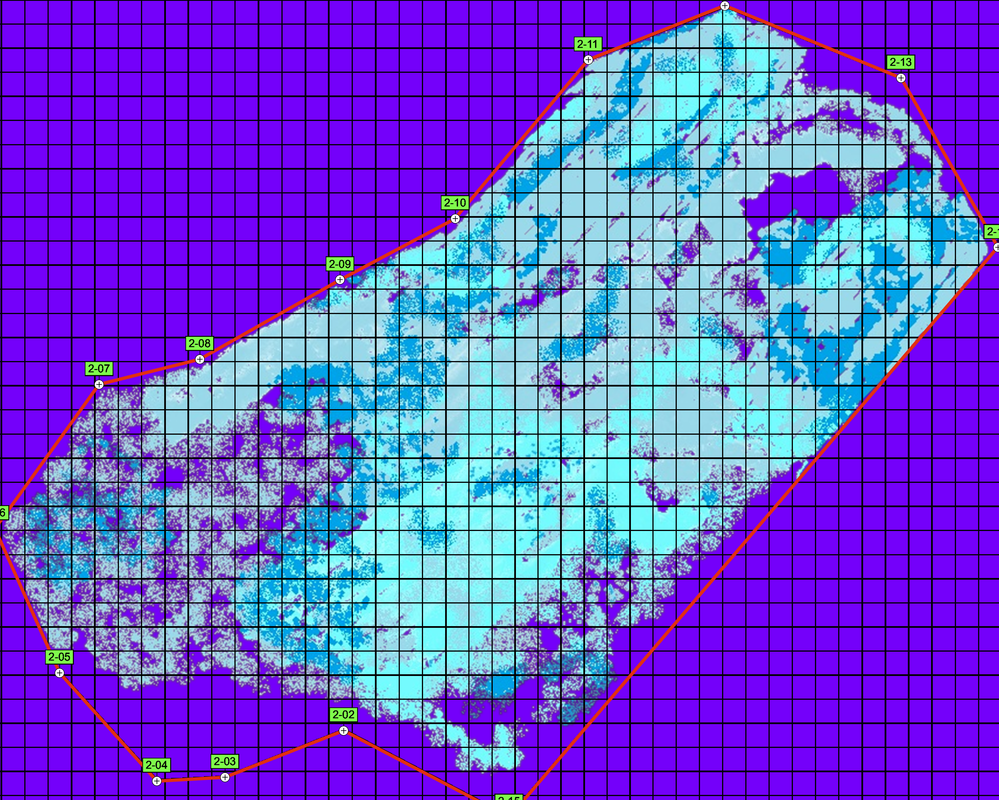
"Select an area of one cell" - do you mean you want to click on one of the square cells within the red boundary ?
Then get the average color of that cell ? I assume the average color is the RGB where the R value is the average of the R values of all pixels and son on ?
Can you get a specific pixel from this image ? I don't know how it was generated and am not too familiar with Python graphics.
And then you want to "output the average color value from this cell separately in the table" - what does that mean ? What table ? Why separately ?
"At the same time, setting this color, when it enters the table, not the RGB value, but let's say one." - I have no clue what you are saying here, sorry.